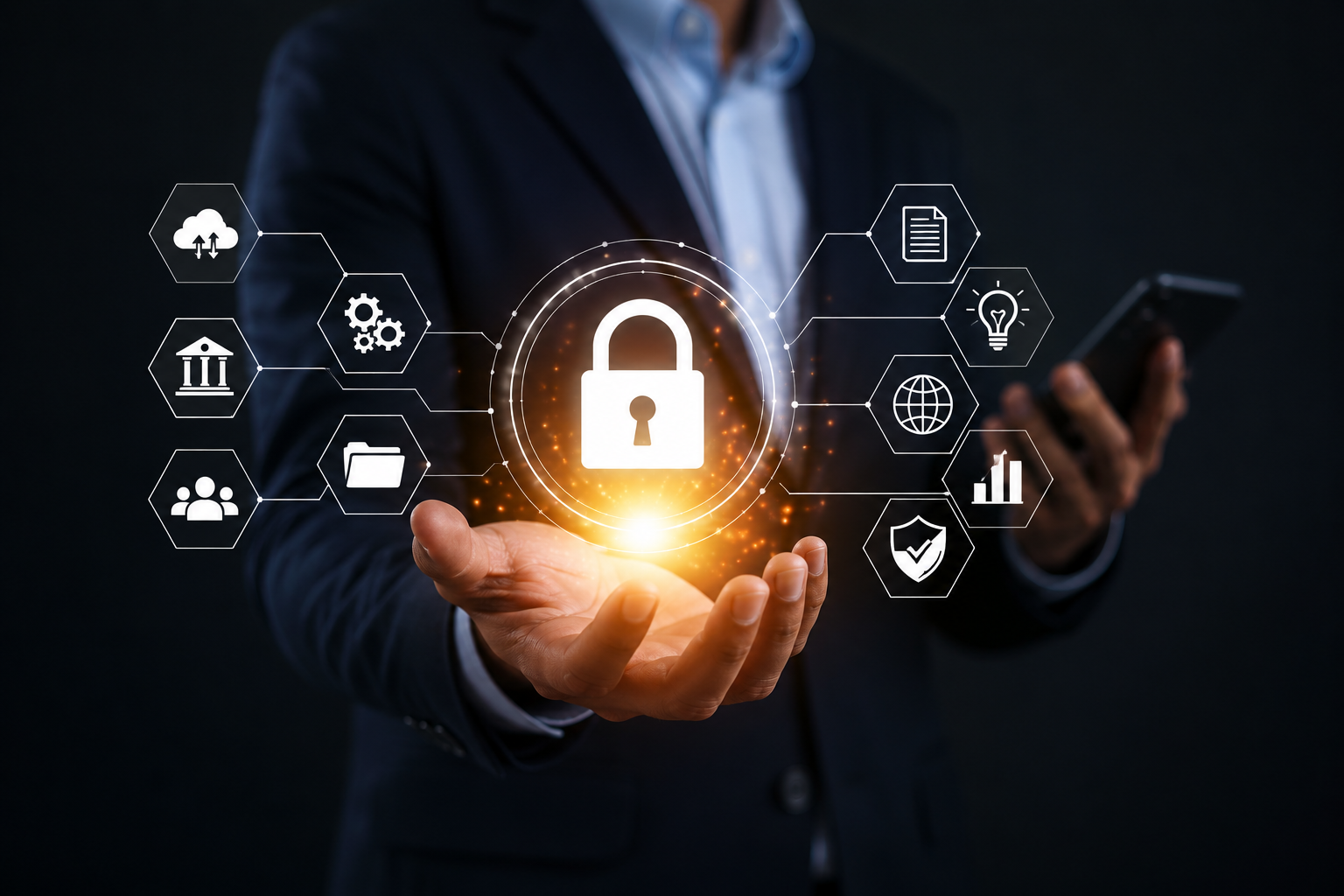
Managed IT security helps businesses protect their systems, data, devices, and employees while keeping daily operations running smoothly. Cyber threats such as phishing, stolen passwords, malware, and ransomware can affect businesses of any size. A single security issue can stop employees from working, expose sensitive information, or lead to costly downtime. Axis Computer Networks helps businesses take a proactive approach to IT security and keep their technology more secure and reliable.
For small and mid-sized businesses, managing every security task internally can be difficult. An internal IT employee may already handle computers, software, networks, users, and technical problems. There may not be enough time to monitor security risks throughout the day. Managed IT security provides a more proactive approach. An IT provider can monitor systems, manage updates, protect devices, support backups, and help identify threats before they cause serious damage.
Key Takeaways
- Managed IT security provides ongoing protection and monitoring.
- Endpoint protection helps secure business devices.
- Threat monitoring can help identify unusual activity early.
- Regular backups support ransomware protection and recovery.
- Network security helps control access to business systems.
- Proactive IT support can reduce technical problems and downtime.
What Is Managed IT Security?
Managed IT security is the ongoing management of a business’s technology security. Instead of handling every security task alone, a company works with an IT provider that helps monitor, maintain, and protect its systems.
The services can vary based on the business. Some companies may need basic monitoring and endpoint protection. Others may need a broader plan that includes cybersecurity services, network security, backups, cloud security, and managed detection. Cloud computing service providers can also help businesses manage cloud-based systems, applications, storage, and data while supporting secure access and reliable performance. The main goal is to protect business technology before a small issue becomes a major disruption.
A managed IT security plan may include:
- Security monitoring
- Endpoint protection
- Software updates
- Backup management
- Network security
- Ransomware protection
- Access control
- Security assessments
The right mix depends on the company’s systems, employees, industry, and risk level.
Why Do Businesses Need Proactive IT Security?
Many businesses use a reactive approach to IT. An employee reports a problem, the IT team investigates it, and someone works to fix it. This can work for minor technical issues, but security threats often require a faster and more proactive response.
A cyberattack may begin quietly. A stolen password or infected device may not cause an obvious problem right away. Without regular monitoring, a business may not know something is wrong until data or systems are affected. Managed IT security focuses on prevention as well as response. With managed IT support services, businesses can receive regular system checks, security updates, and technical assistance to help identify outdated software, weak access controls, unusual activity, and other risks before they lead to bigger problems.
This approach also helps internal employees spend less time dealing with repeated IT issues. Instead of constantly reacting to problems, they can focus on business tasks and projects.
How Does Managed IT Security Reduce Downtime?
Downtime can be expensive for a business. Employees may lose access to email, files, applications, or customer information. Sales and customer service can also be affected. Managed IT security can help reduce downtime by combining security monitoring with regular maintenance and technical support. Problems can be identified earlier, and important systems can be kept in better working condition.
Regular updates are one example. Outdated software can create both security and performance problems. Keeping systems updated can reduce known risks and help technology run more reliably. Backups are another important part of the process. If a system is damaged or affected by ransomware, a reliable backup can help the business recover important information.
Fast technical support also matters. When an issue occurs, getting help quickly can reduce the amount of time employees are unable to work.
The Role of Endpoint Protection
Employees use computers, laptops, and other devices every day. These devices connect to business systems and may contain access to important data. As a result, every device needs proper protection. Endpoint protection helps protect computers and other connected devices from malware and suspicious activity. It can also help IT teams identify devices that may have security problems.
A managed IT provider can help make sure security tools are installed, updated, and working properly. This is especially useful for businesses with remote employees who may connect from different locations. Endpoint protection works best as part of a wider security plan. It should work alongside strong passwords, access controls, network security, employee awareness, and regular system updates.
Why Does Threat Monitoring Matter?
Threat monitoring allows businesses to keep a closer watch on their technology environment. Instead of waiting for an employee to notice something unusual, monitoring can help identify suspicious activity sooner.
For example, repeated failed login attempts or unusual device behavior may indicate a security problem. Monitoring tools can generate alerts so the issue can be reviewed. Managed detection can provide additional support by helping identify potential threats and determine which alerts require attention.
For businesses without a dedicated security team, this can be valuable. Employees may not have the time or tools to review security alerts throughout the day. The goal is not simply to collect alerts. The important part is reviewing those alerts and taking appropriate action when a real risk is found.
Managed IT Security and Ransomware Protection
Ransomware is a serious concern because it can prevent businesses from accessing important files and systems. The resulting disruption can affect employees, customers, and business operations. Along with ransomware, cyberattacks and data breaches can expose sensitive business information, damage systems, and create costly recovery challenges. No security solution can promise complete protection from ransomware. However, businesses can take steps to reduce risk and improve their ability to recover.
Strong endpoint protection, regular updates, secure passwords, multi-factor authentication, employee training, network security, and reliable backups all play a role.
Backups are especially important. The Cybersecurity and Infrastructure Security Agency recommends keeping backups of important data and system configurations and protecting those backups from being affected by the same incident.
The Importance of Network Security
Business networks connect employees, devices, applications, servers, and other resources. If access is not properly controlled, an attacker may have more opportunities to reach sensitive systems.
Network security helps protect these connections through tools and practices such as firewalls, access controls, secure remote connections, monitoring, and proper device configuration. A strong network security plan should also change as the business changes. New employees, devices, applications, cloud services, and office locations can create new risks.
Regular network reviews can help identify weaknesses before they become larger problems. This is particularly important for businesses that support remote employees or rely heavily on cloud-based applications.
How Does Managed IT Security Support Business Continuity?
Business continuity is about keeping important operations running during a disruption. The disruption could be caused by a cyberattack, hardware failure, software problem, or other unexpected event. Managed IT security can support business continuity by helping businesses prepare before an incident occurs. Backups, monitoring, recovery plans, and technical support can all contribute to a faster response.
A business continuity plan should identify its most important systems and data. It should also explain how those systems will be restored and who is responsible for each step. When employees already know what to do during an outage, there is less confusion. A clear plan can help the business return to normal operations more quickly.
Managed IT Security for Remote Employees
Remote work has changed how businesses manage technology. Employees may connect to company systems from home, customer locations, or other networks.
This creates additional security concerns because business devices are no longer always connected to one office network.
Managed IT security can help protect remote employees through endpoint protection, secure access, software updates, monitoring, and account controls. It can also provide technical support when employees experience security or technology problems. Quick support can prevent a small issue from turning into a larger disruption.
Managed IT Security vs. In-House IT
An in-house IT team can be a strong choice for businesses that need dedicated technology staff. However, smaller teams may have limited time and resources. They may need to manage computers, networks, servers, cloud systems, software, users, security, and technical support at the same time. Security tasks can sometimes be pushed aside while more urgent problems are handled.
Managed IT security gives businesses access to outside IT expertise and security tools without requiring every task to be handled internally. Some businesses may also use both approaches. Internal employees can focus on business projects while a managed provider handles monitoring, maintenance, security, or other specialized services.
Choosing the Right Managed IT Security Provider
Choosing an IT provider is an important business decision. The right provider should understand your technology environment and explain its services clearly. Do not look only at the number of services offered. Ask how the provider monitors systems, handles security alerts, manages backups, protects devices, and responds to problems.
A provider should also have clear processes for access to your systems and business data. Regular communication is important because your security needs can change as your business grows. Look for a provider that offers proactive monitoring, endpoint protection, backup support, network security, technical support, and regular security reviews. Experience with businesses similar to yours can also be helpful.
How Can Axis Computer Networks Help?
Axis Computer Networks provides managed IT services that help businesses maintain reliable and secure technology. Its services include IT support, network and server monitoring, automated updates, backups, security assessments, and ongoing maintenance.
A proactive approach can help businesses identify technical and security issues before they cause unnecessary downtime. It also gives employees access to technical support when they need help.
For businesses that depend on technology every day, having a trusted IT partner can make security and maintenance easier to manage.
Conclusion
Business technology needs protection every day, not only after something goes wrong. Managed IT security gives businesses a proactive way to protect devices, networks, data, and users while reducing the risk of costly downtime. With threat monitoring, endpoint protection, network security, ransomware protection, backups, and ongoing technical support, businesses can build a stronger and more reliable IT environment.
Contact Axis Computer Networks today to discuss your managed IT security needs and learn how the right IT support strategy can help protect your business and reduce downtime.